Saturday, August 6, 2016

The WP Engine WordCamp Sticker Collection

EDITOR'S NOTE 08/05/16: This post has been updated to include the latest WP Engine WordCamp sticker.


You used to be able to tell how well-traveled a person was by the cracked and faded stickers clinging to their steamer trunks and suitcases. It's how travelers would show the world all of the places they've visited. Luggage became a living passport, and each sticker had a story.


The same can be said for WordCamp stickers. WordCamp stickers tell a story (and if you have a bunch, they can give you bragging rights too). Maybe they mark your first WordCamp, or your favorite, or one you organized. Maybe you stick them on your laptop or on a notebook, or save as keepsakes from special events. They illustrate how WordPress and the community have grown and evolved. They mark points in time, while reflecting on the past and looking toward the future.


At WP Engine, we love giving something unique to our friends, our customers, and the community when they pop by our WordCamp booth, and we always bring our A-game when designing stickers for WordCamps. Over the years, we've printed dozens of different WordCamp stickers for WordCamps all over the world (and we've handed out thousands of them).


To paraphrase Johnny Cash: “We've been everywhere, man.” Here's a look at the WP Engine WordCamp sticker collection:


WordCamp Toronto 2016 (August 2016)
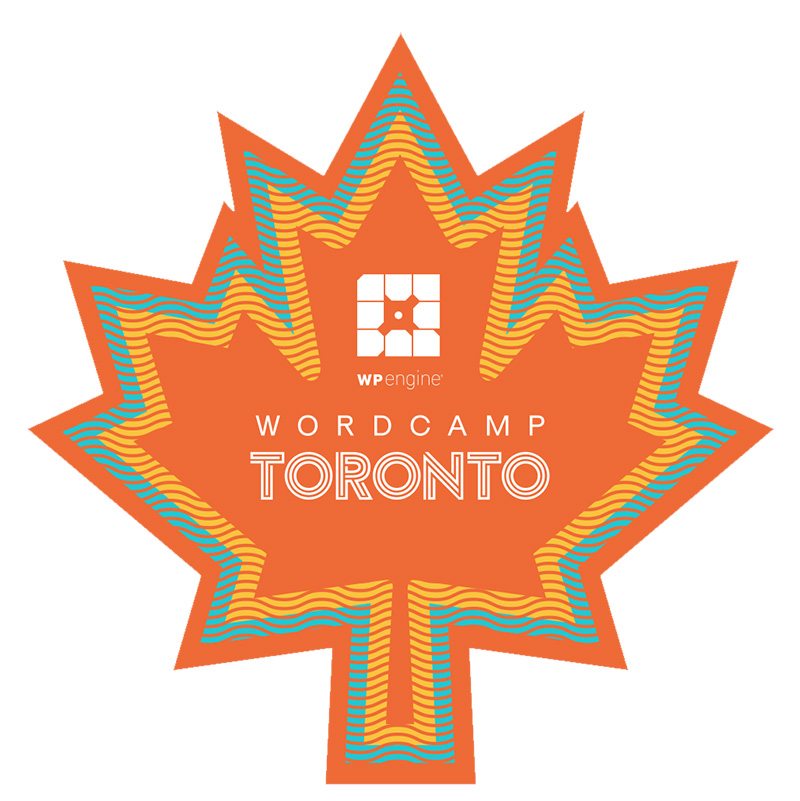

WP_Toronto_Sticker


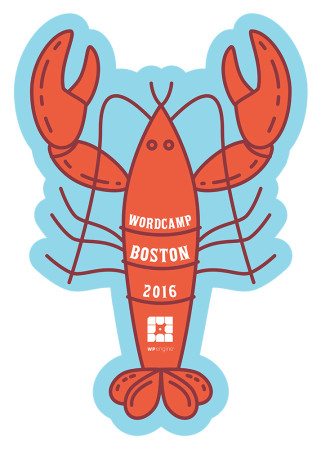
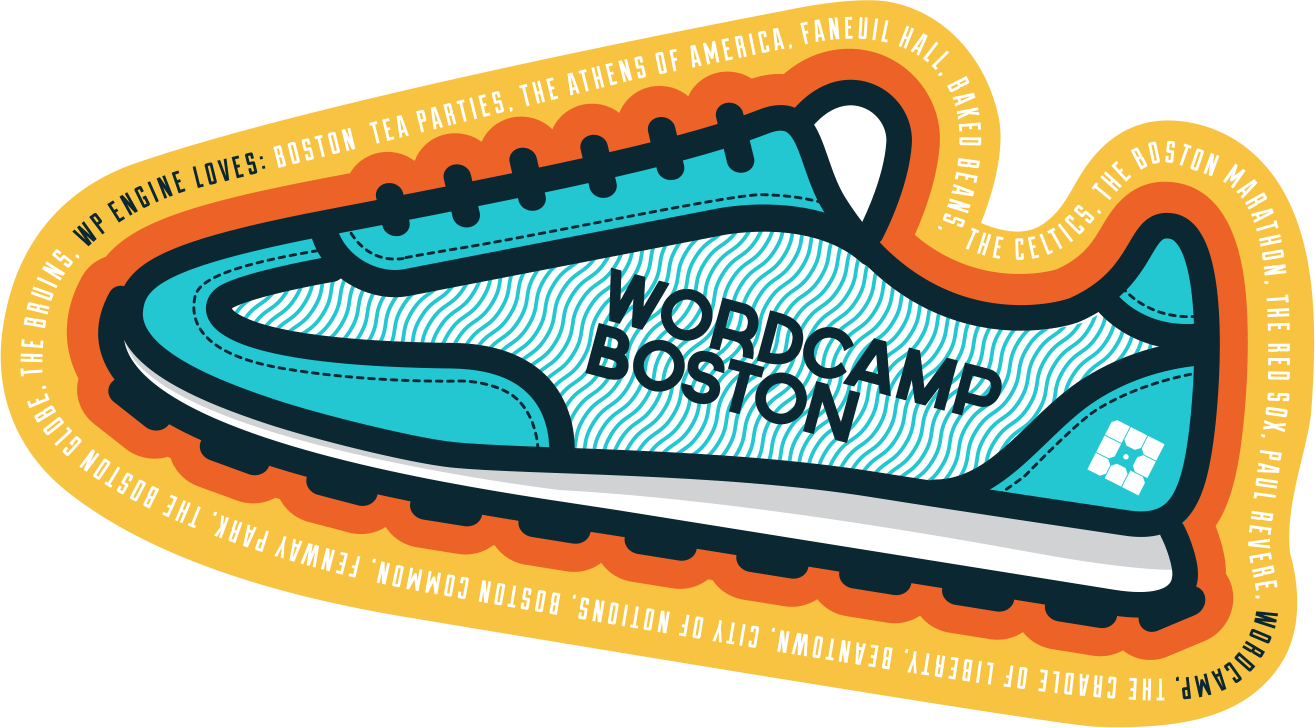
WordCamp Boston 2016 (July 2016)


WPE_WORDCAMP_BOSTON-v02


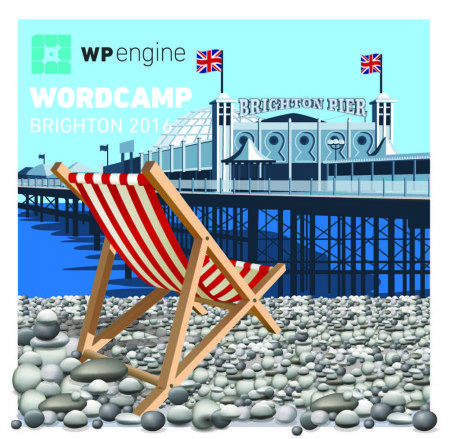
WordCamp Brighton 2016 (July 2016)


Print


WordCamp New York 2016 (July 2016)


WordCamp NYC 2016


WordCamp Orange County 2016, Irvine, Calif. (July 2016)
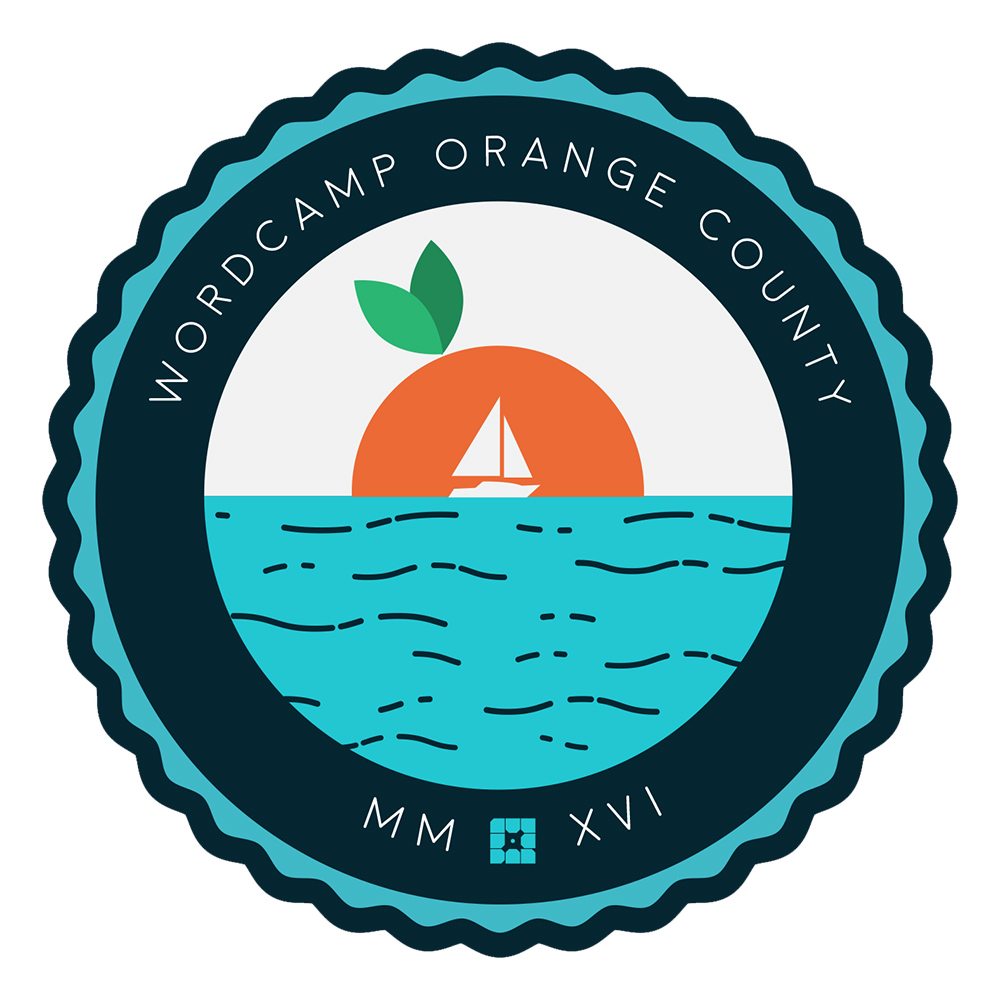
WPE_wordcamp_Orange_county


WordCamp Europe 2016, Vienna (June 2016)

Wordcamp Vienna 2016


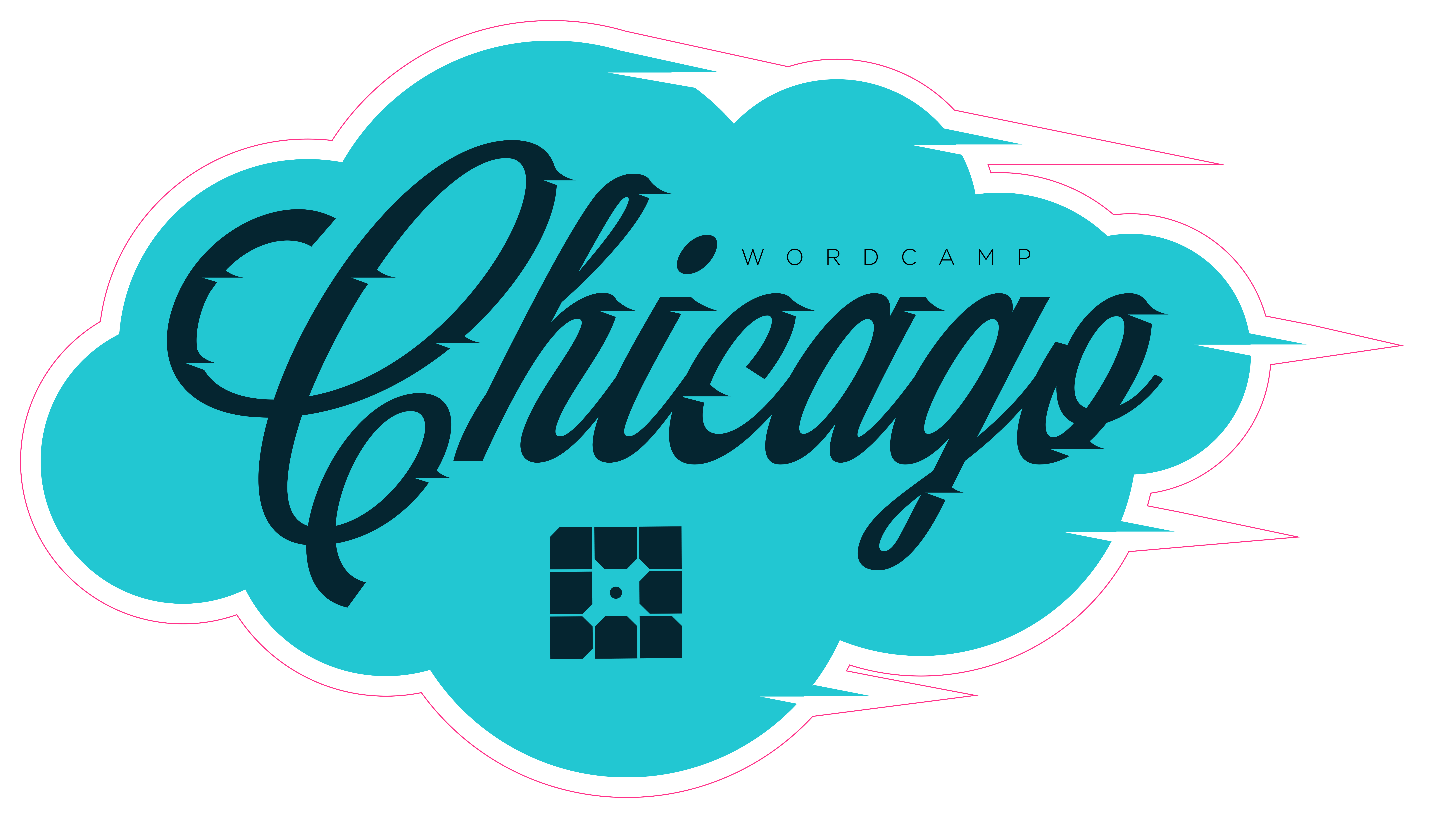
WordCamp Chicago 2016 (April 2016)

Wordcamp Chicago


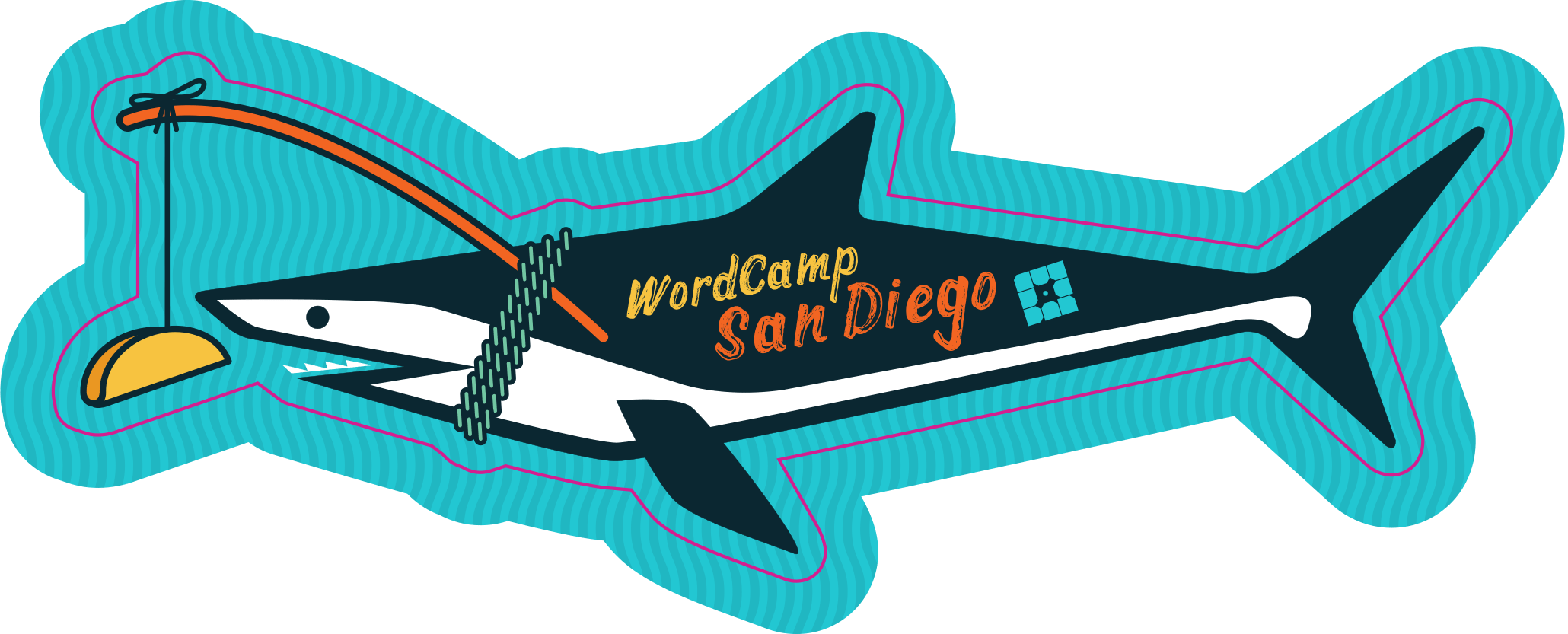
WordCamp San Diego 2016 (April 2016)

WordCamp San Diego 2016


WordCamp London 2016 (April 2016)

WordCamp London 2016


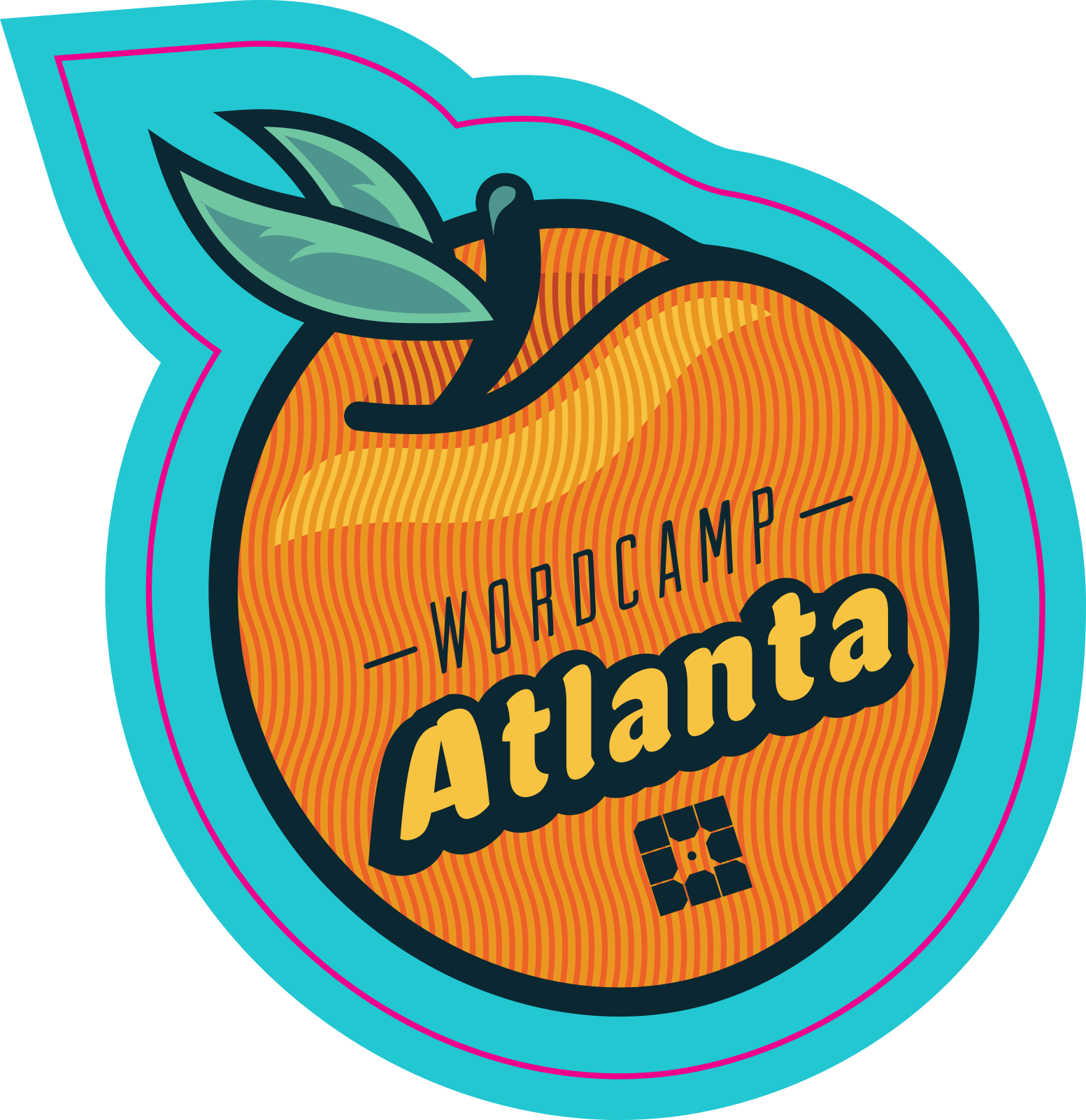
WordCamp Atlanta 2016 (March 2016)

WordCamp Atlanta (Orange)


WordCamp Norway 2016 (February 2016)
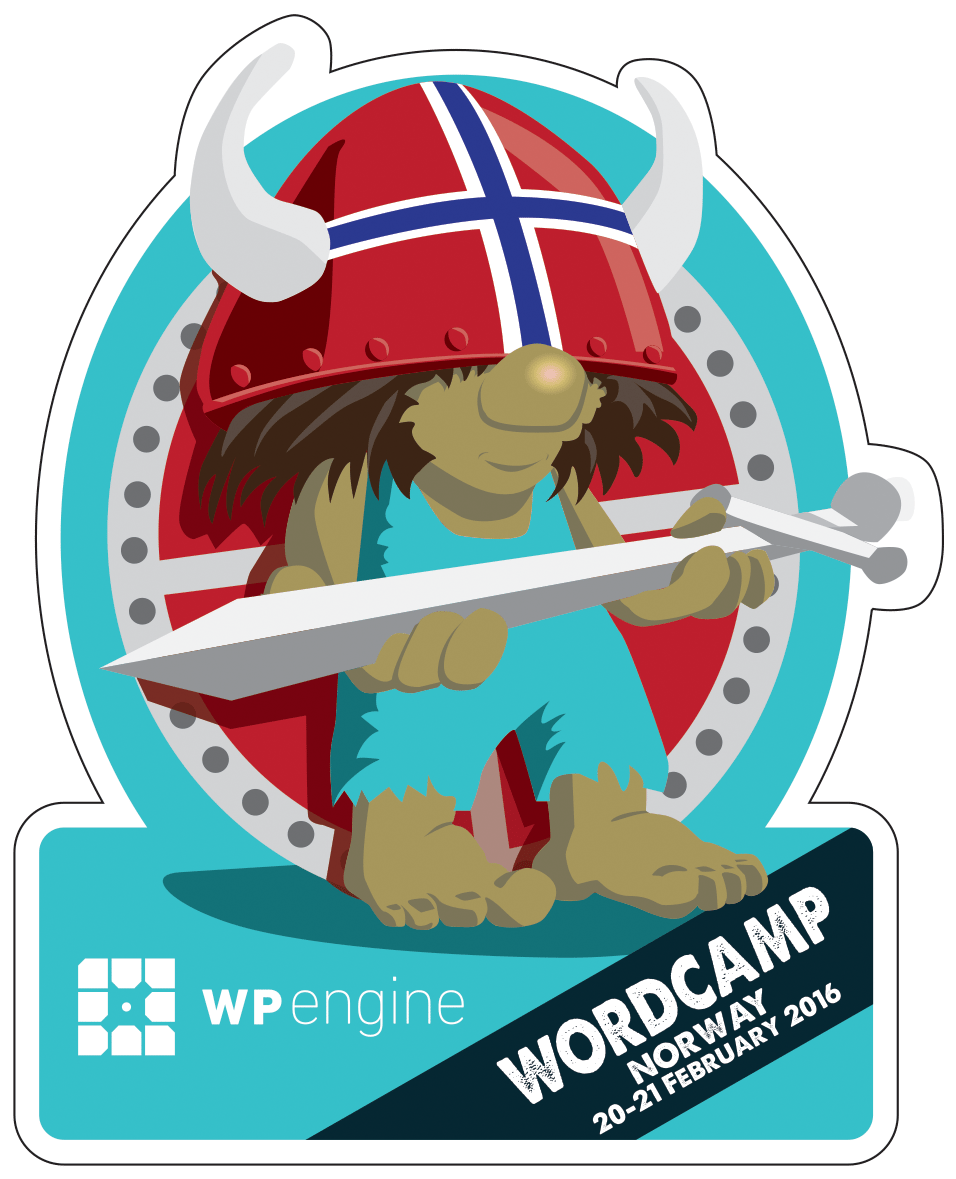
WordCamp Norway 2016


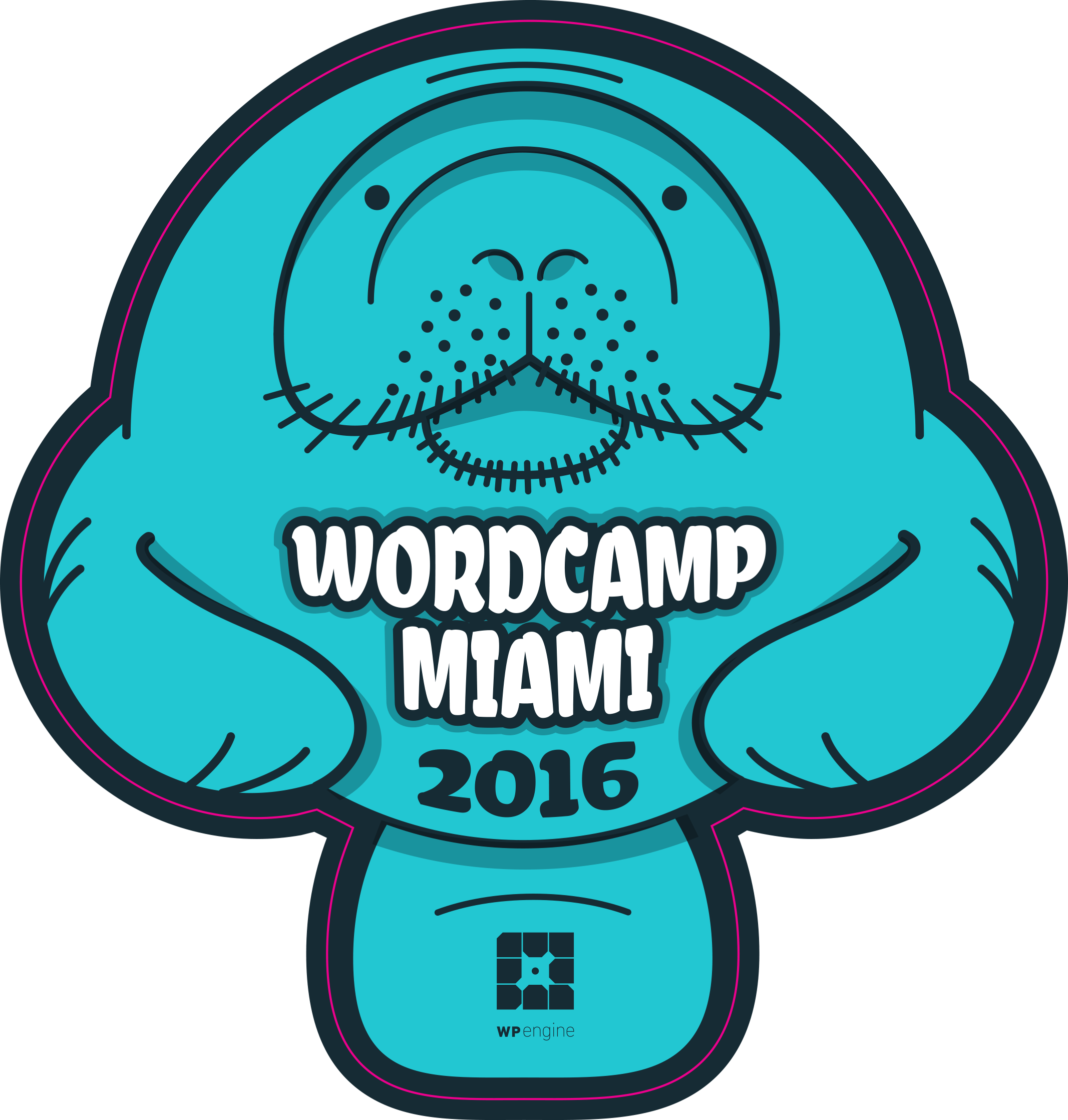
WordCamp Miami 2016 (February 2016)

WordCamp Miami 2016


WordCamp US 2015, Philadelphia (December 2015)

WordCamp US 2015


WordCamp Orlando 2015 (November 2015)

WordCamp Orlando 2015


WordCamp New York 2015 (October 2015)

WordCamp NYC 2015


WordCamp Portland 2015 (October 2015)
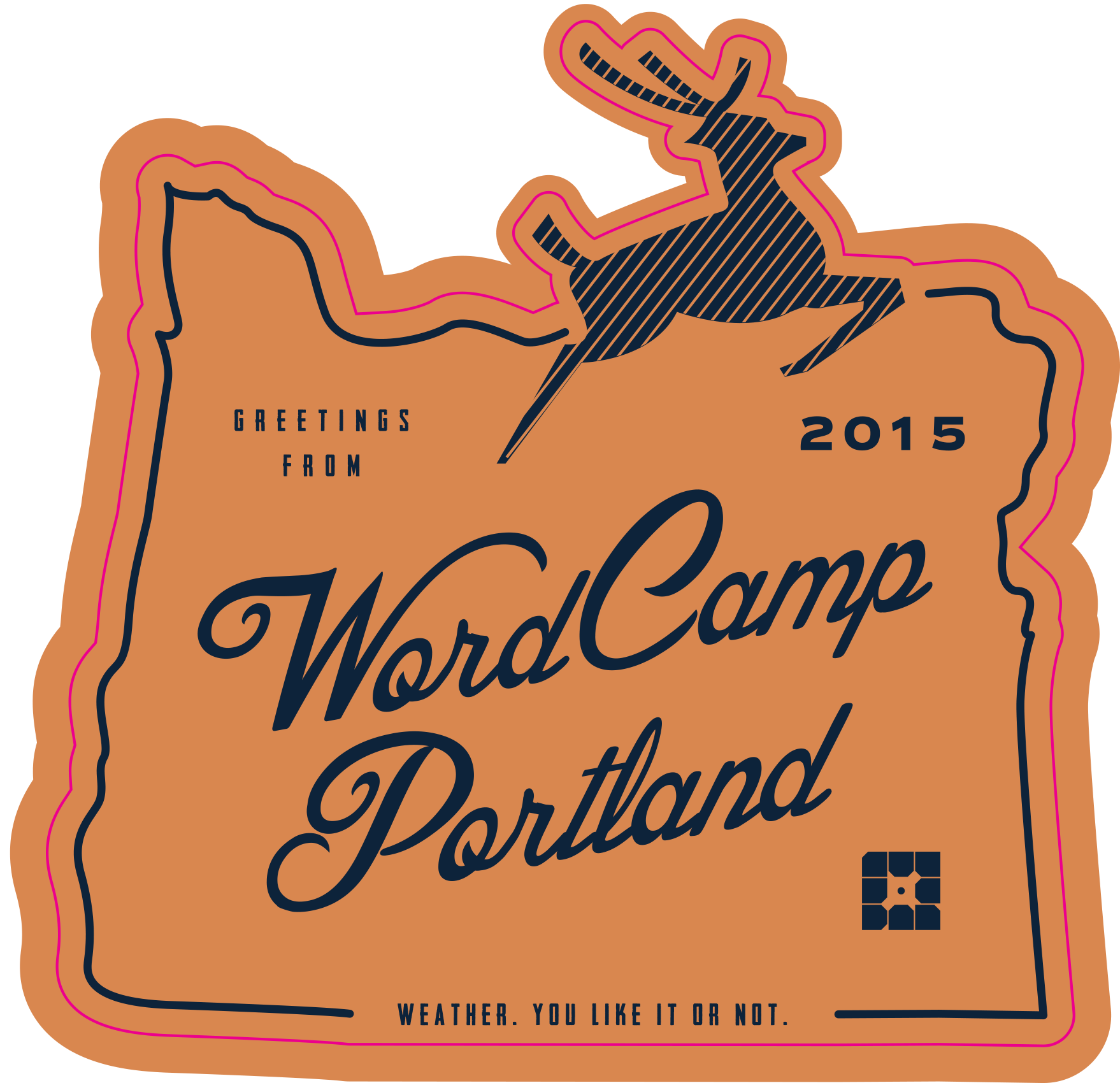
WordCamp Portland 2015


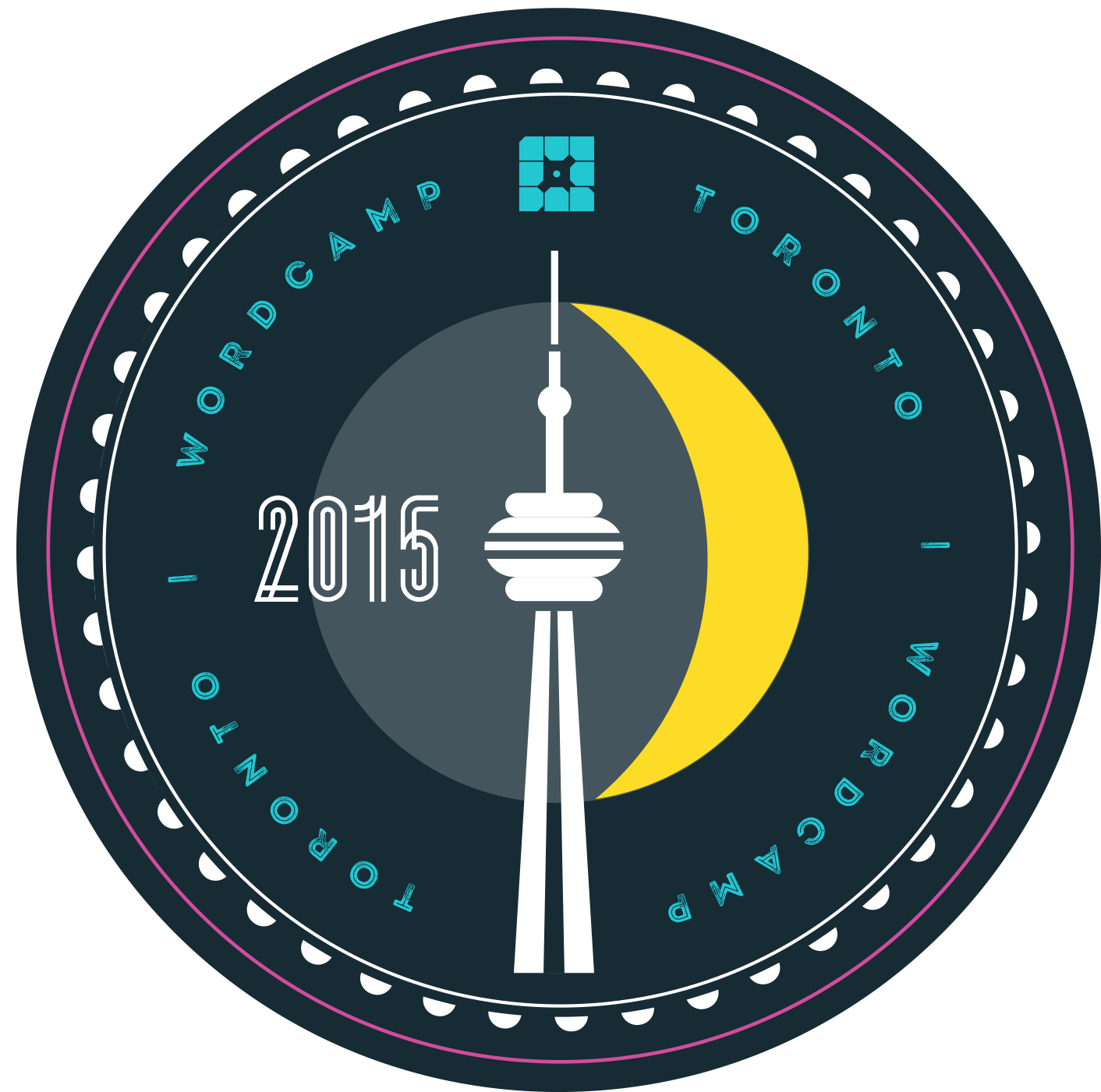
WordCamp Toronto 2015 (October 2015)

WordCamp Toronto 2015


WordCamp Manchester 2015 (October 2015)

WordCamp Manchester 2015


WordCamp Los Angeles 2015 (September 2015)
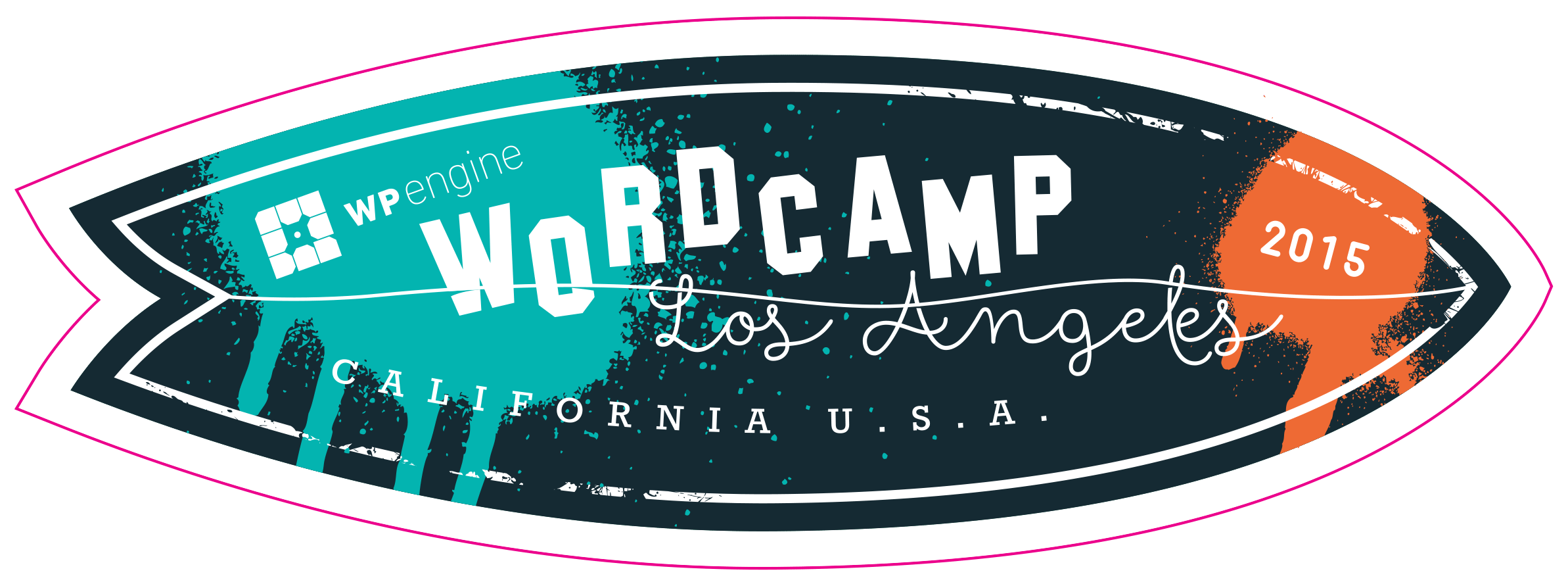
WordCamp Los Angeles 2015


WordCamp Tampa 2015 (September 2015)

WordCamp Tampa 2015


WordCamp Salt Lake City 2015 (September 2015)
WordCamp Salt Lake 2015


WordCamp Dallas 2015 (September 2015)

WordCamp Dallas 2015


WordCamp Las Vegas 2015 (September 2015)
WordCamp Vegas 2015


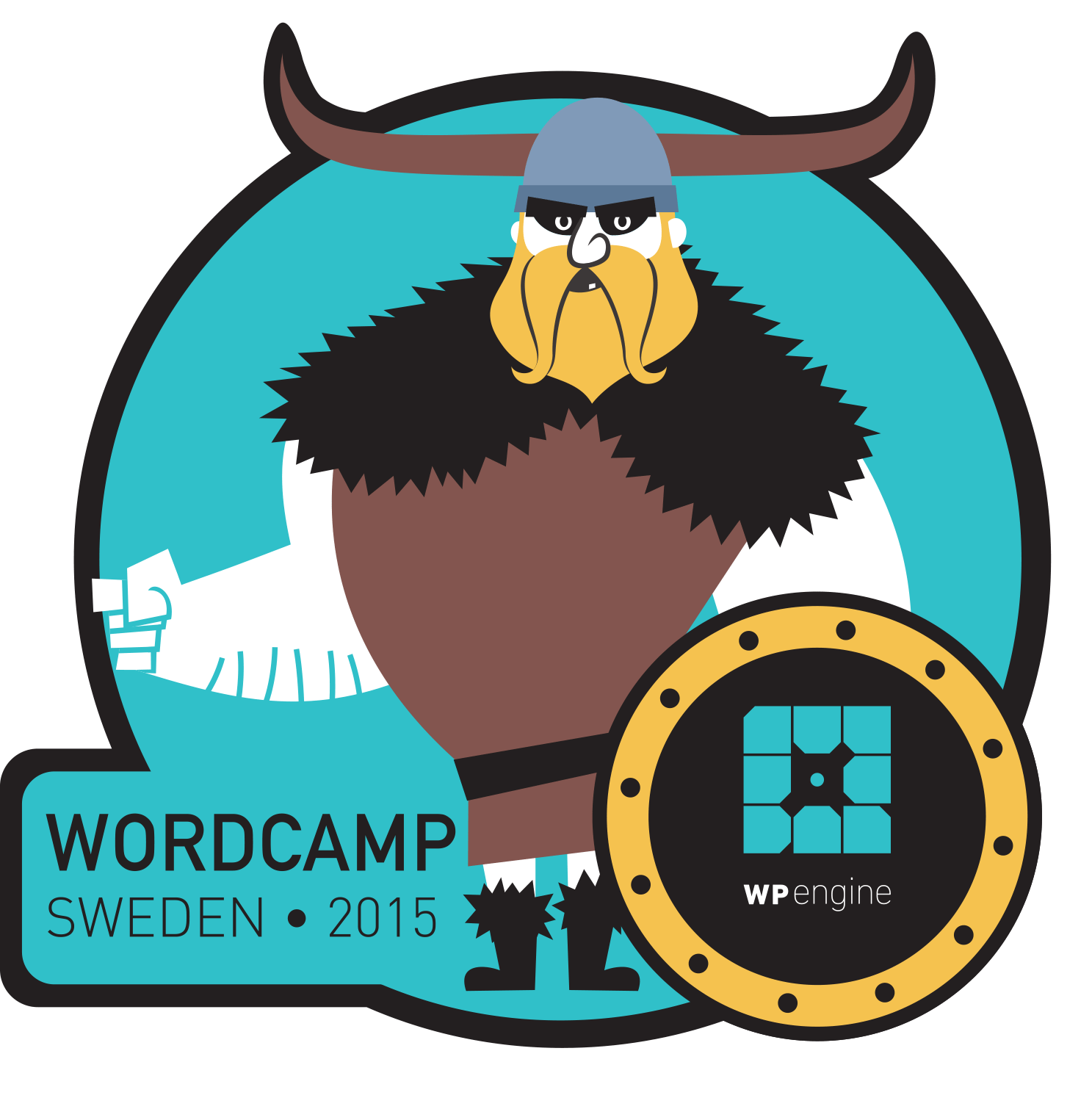
WordCamp Sweden 2015 (August 2015)

WordCamp Sweden 2015


WordCamp Vancouver 2015 (August 2015)
WordCamp Vancouver 2015


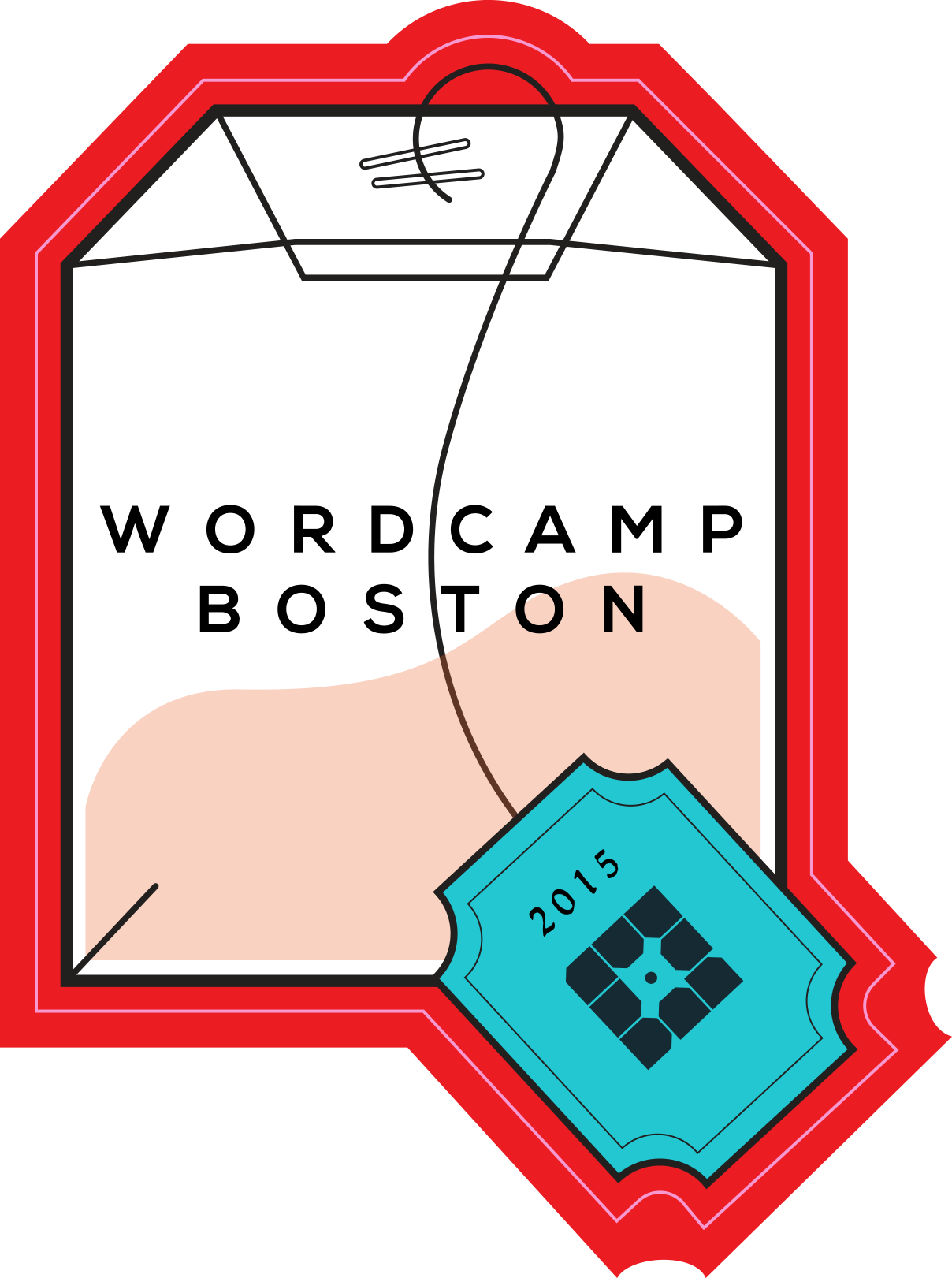
WordCamp Boston 2015 (July 2015)

WordCamp Boston 2015


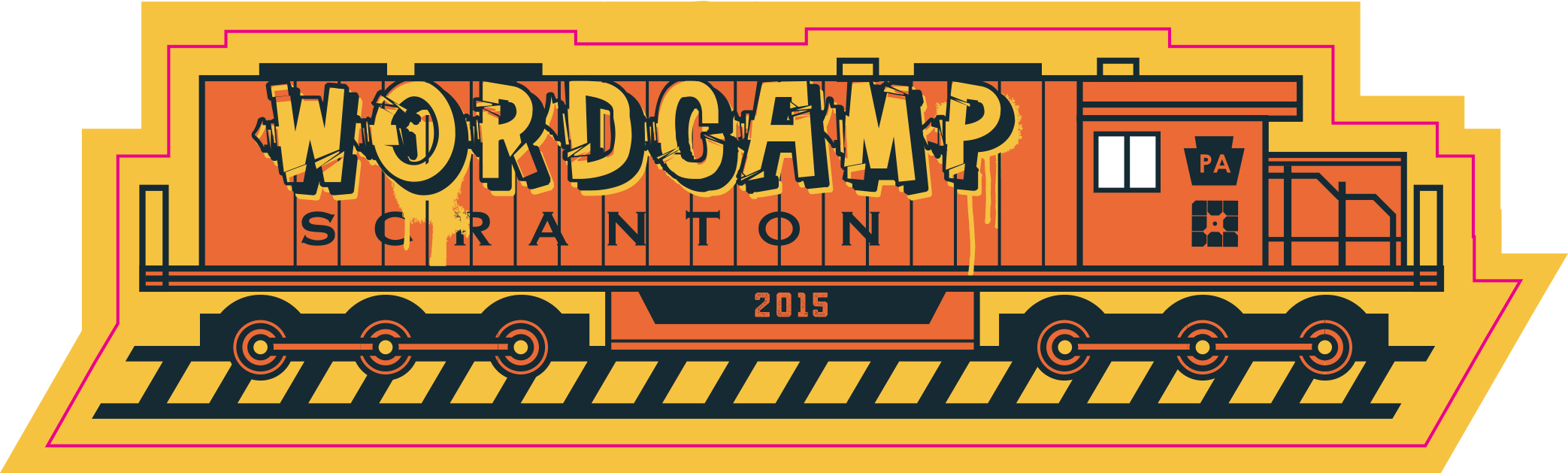
WordCamp Scranton 2015 (July 2015)

WordCamp Scranton 2015


WordCamp Europe 2015, Seville (June 2015)

WordCamp Seville 2015


WordCamp Philadelphia 2015 (June 2015)

WordCamp Philly 2015


WordCamp Orange County 2015, Costa Mesa, Calif. (June 2015)
WordCamp Orange County 2015


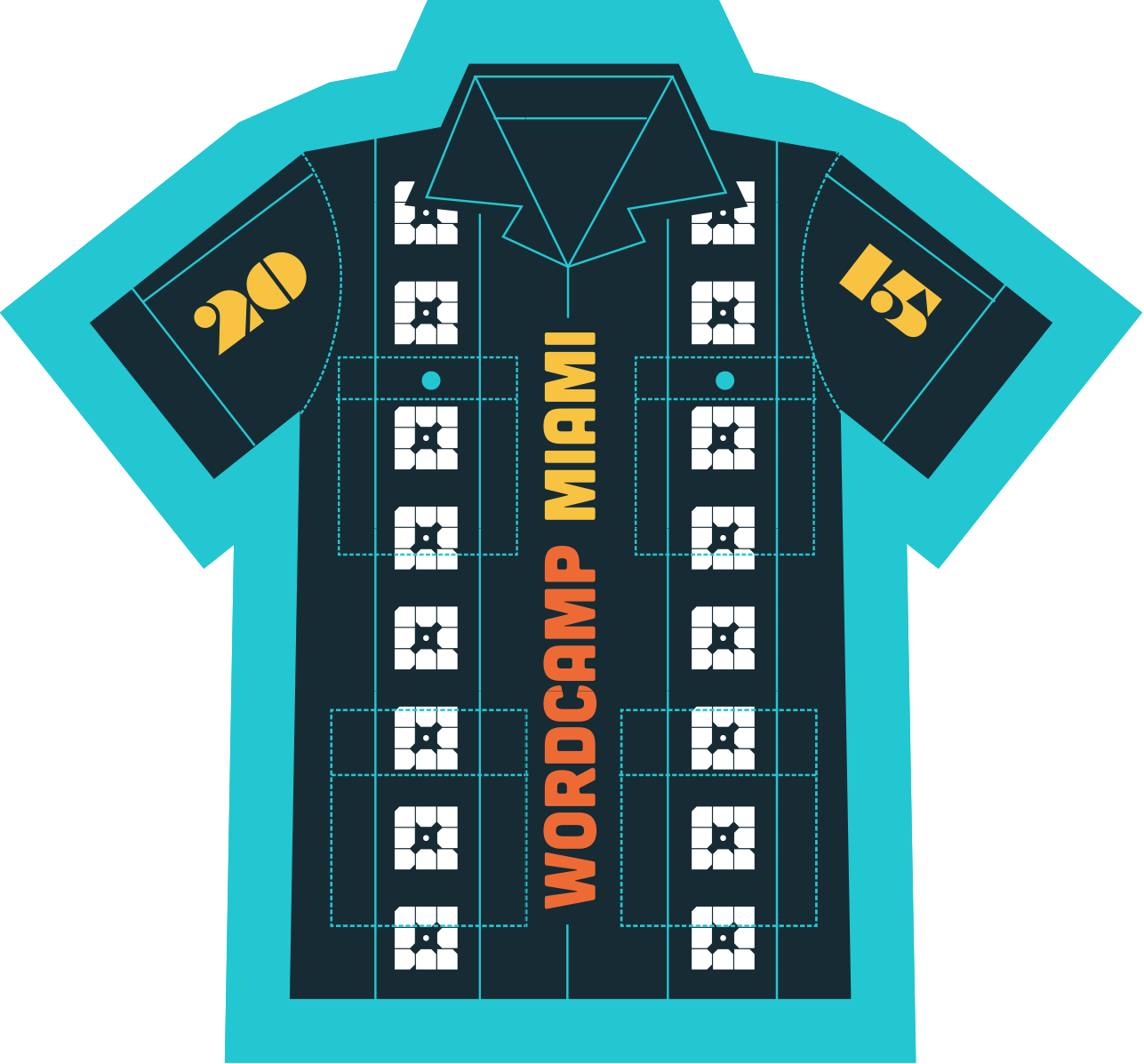
WordCamp Miami 2015 (May 2015)

WordCamp Miami 2015


WordCamp Minneapolis 2015 (April 2015)

WordCamp Minneapolis 2015


WordCamp Seattle 2015 (March 2015)

WordCamp Seattle 2015


WordCamp San Diego 2015 (March 2015)

WordCamp San Diego 2015


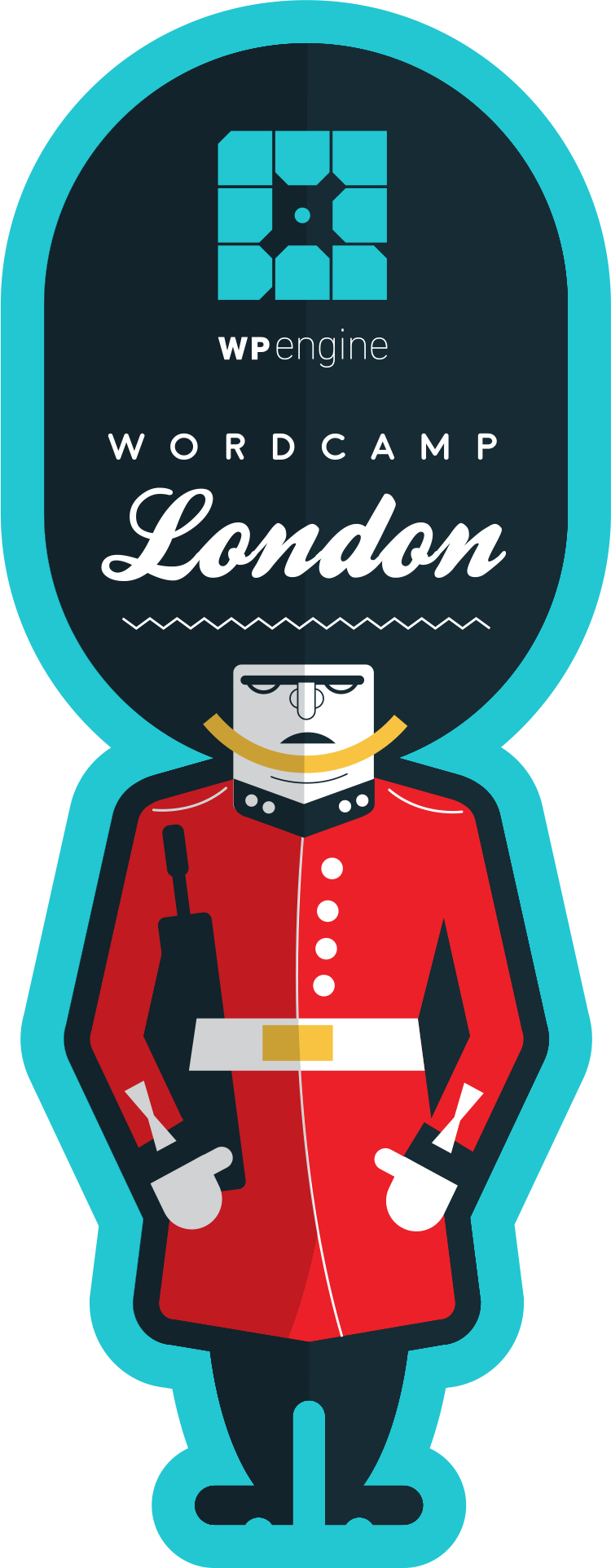
WordCamp London 2015 (March 2015)


WordCamp London


WordCamp San Antonio 2015 (January 2015)
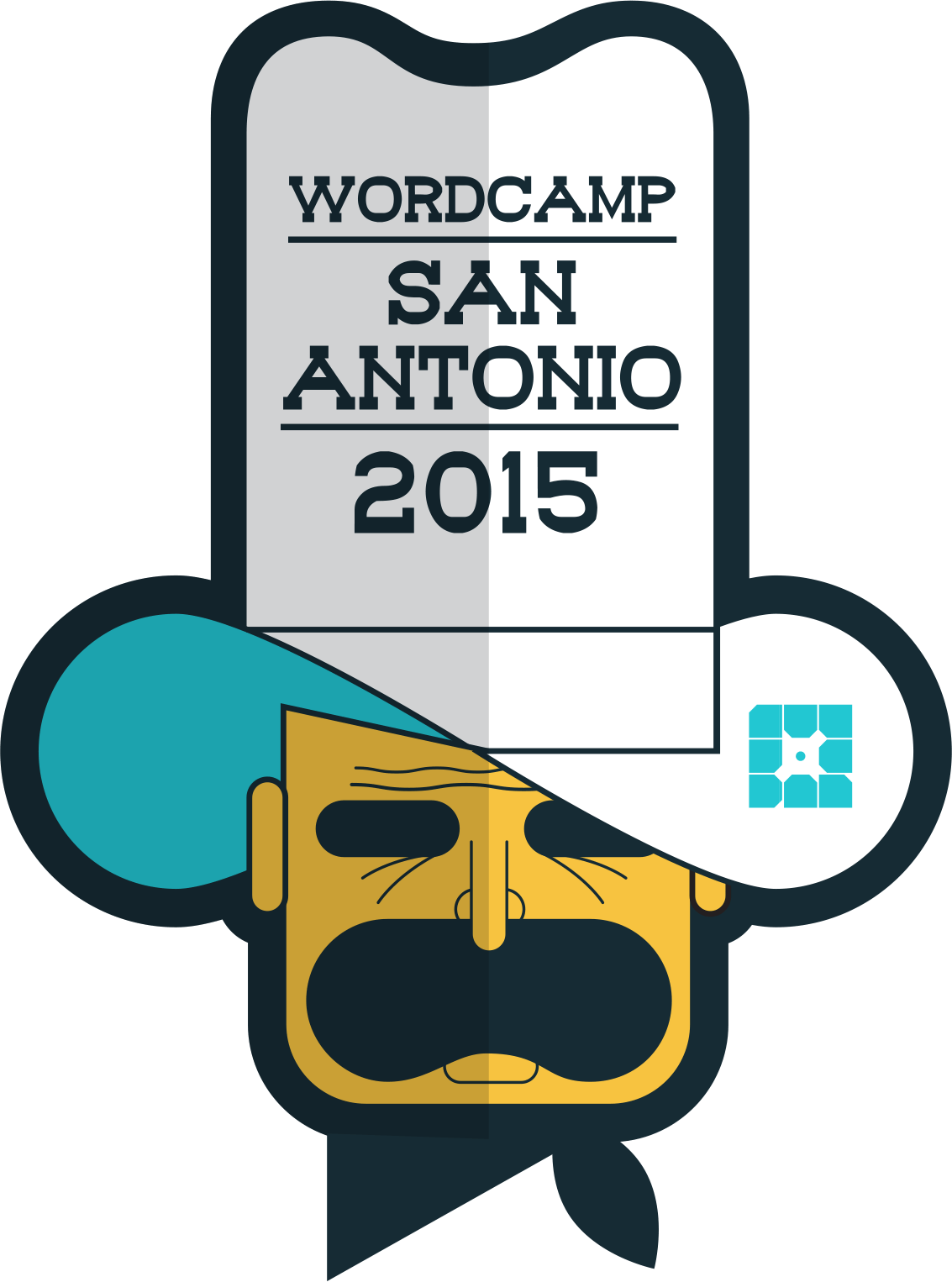
WordCamp San Antonio 2015


WordCamp Orlando 2014 (December 2014)
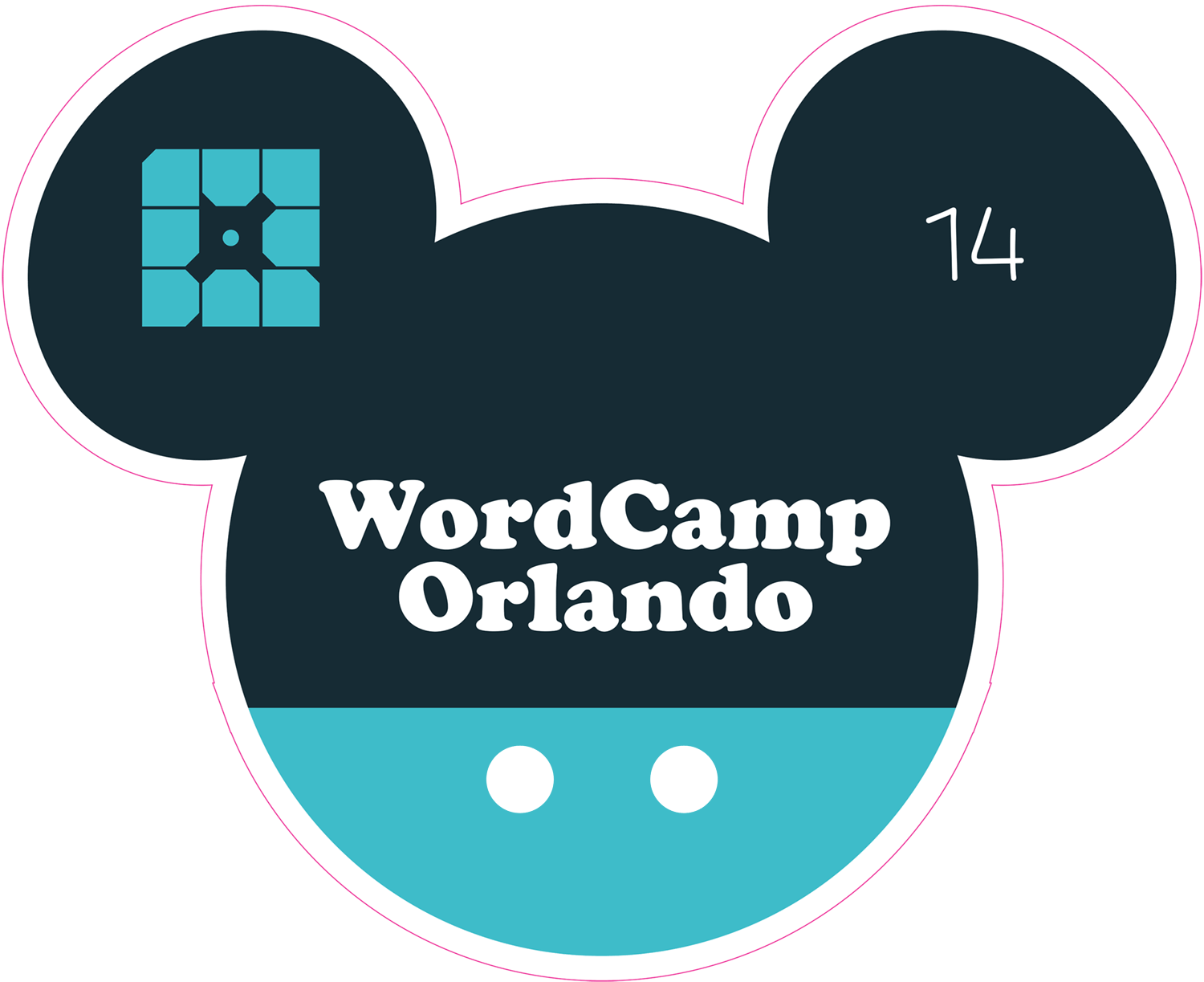
Wordcamp Orlando 2014


WordCamp Toronto 2014 (November 2014)

WordCamp Toronto 2014


WordCamp San Francisco 2014 (October 2014)
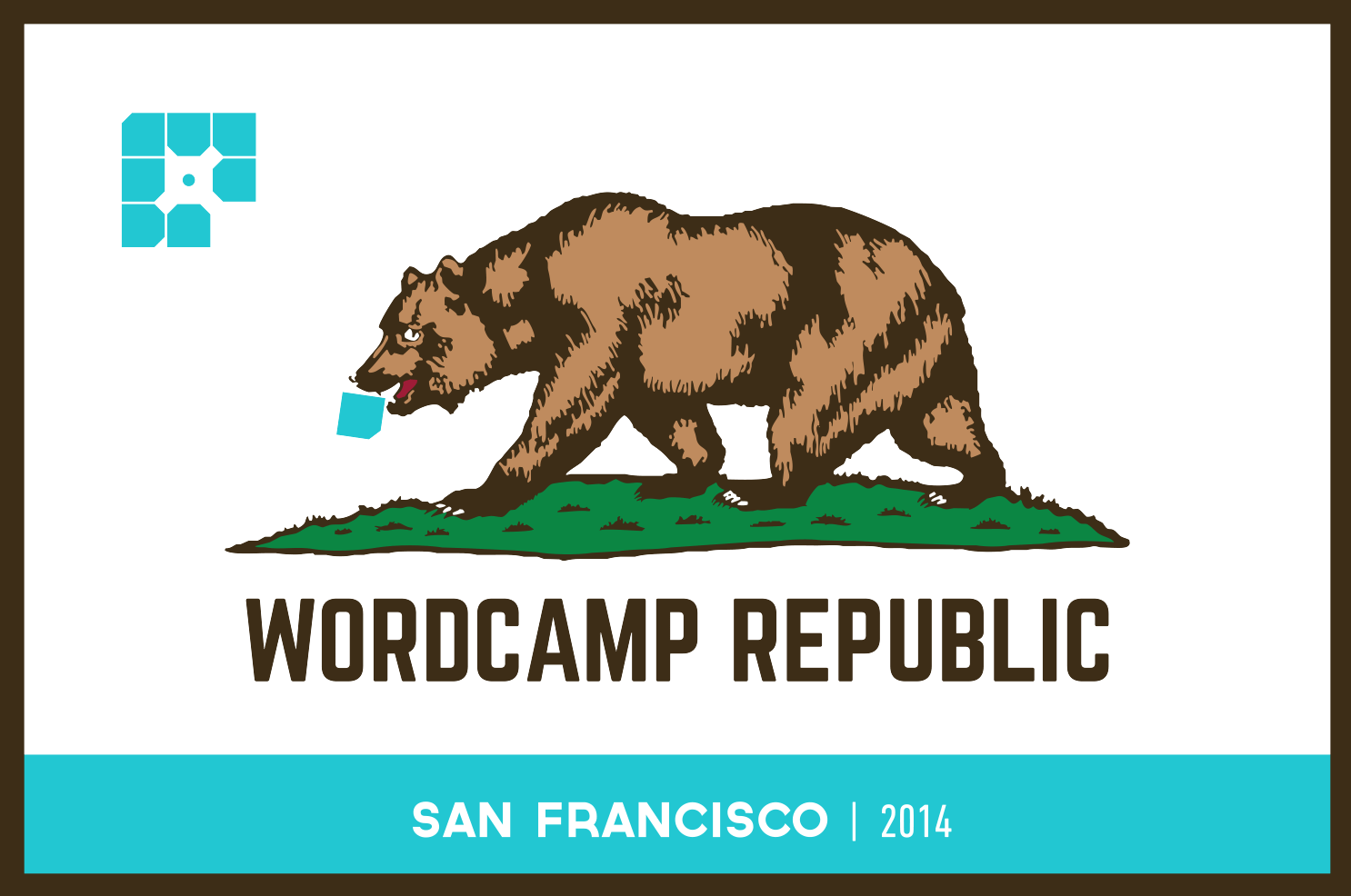
Wordcamp SF 2014


WordCamp Los Angeles 2014 (September 2014)
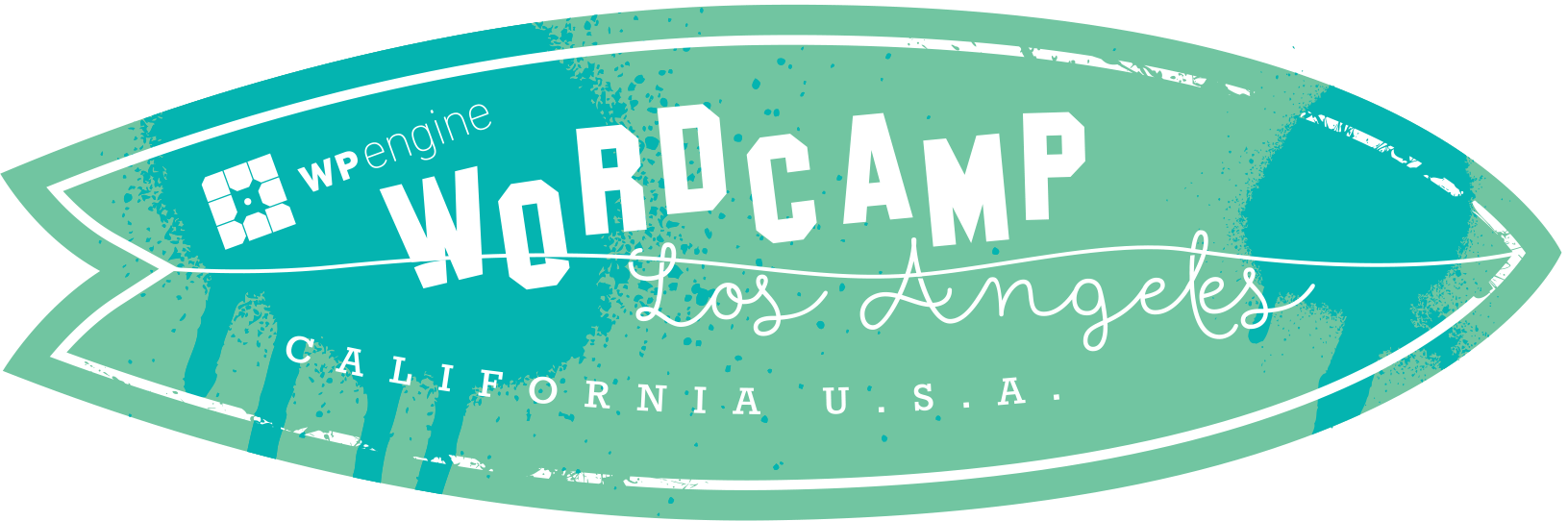
WordCamp Los Angeles 2014


WordCamp Boston 2014 (August 2014)

WordCamp Boston 2014


WordCamp New York 2014 (August 2014)

WordCamp NYC 2014


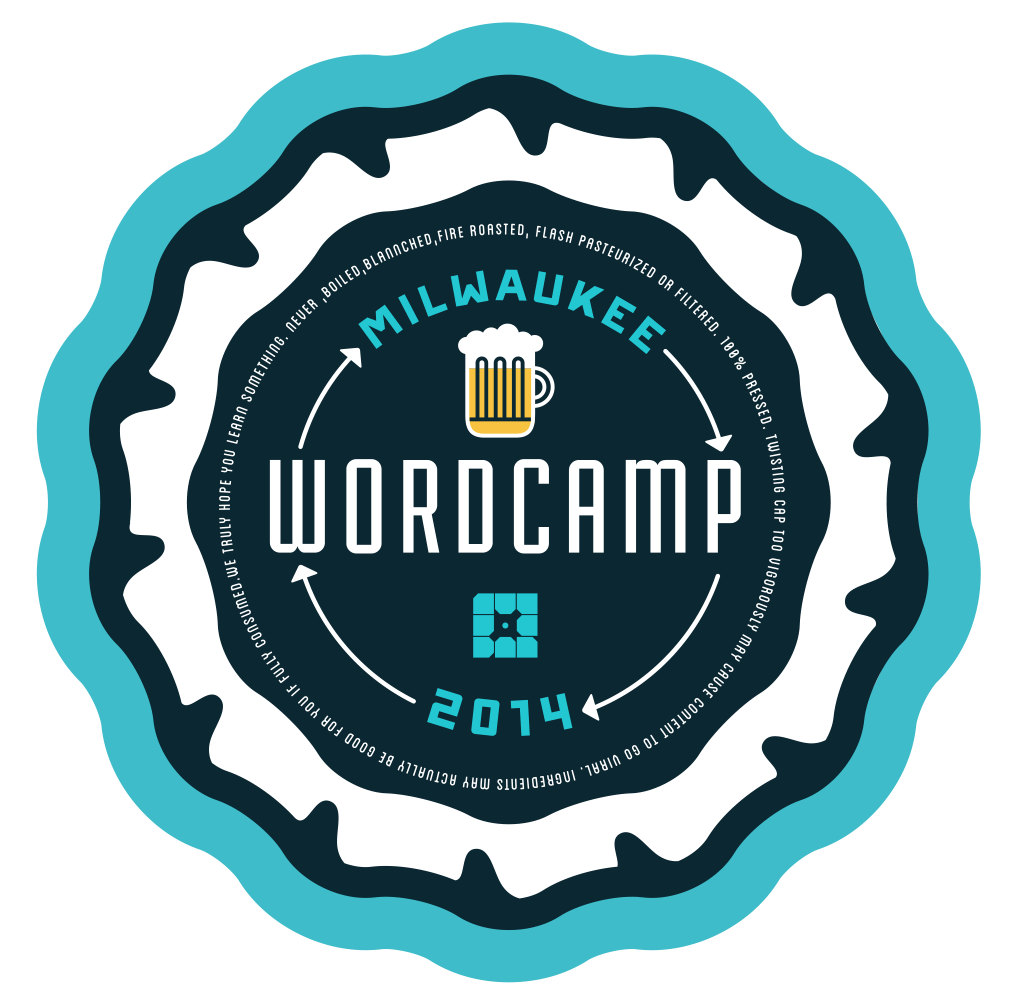
WordCamp Milwaukee 2014 (July 2014)

WordCamp Milwaukee 2014


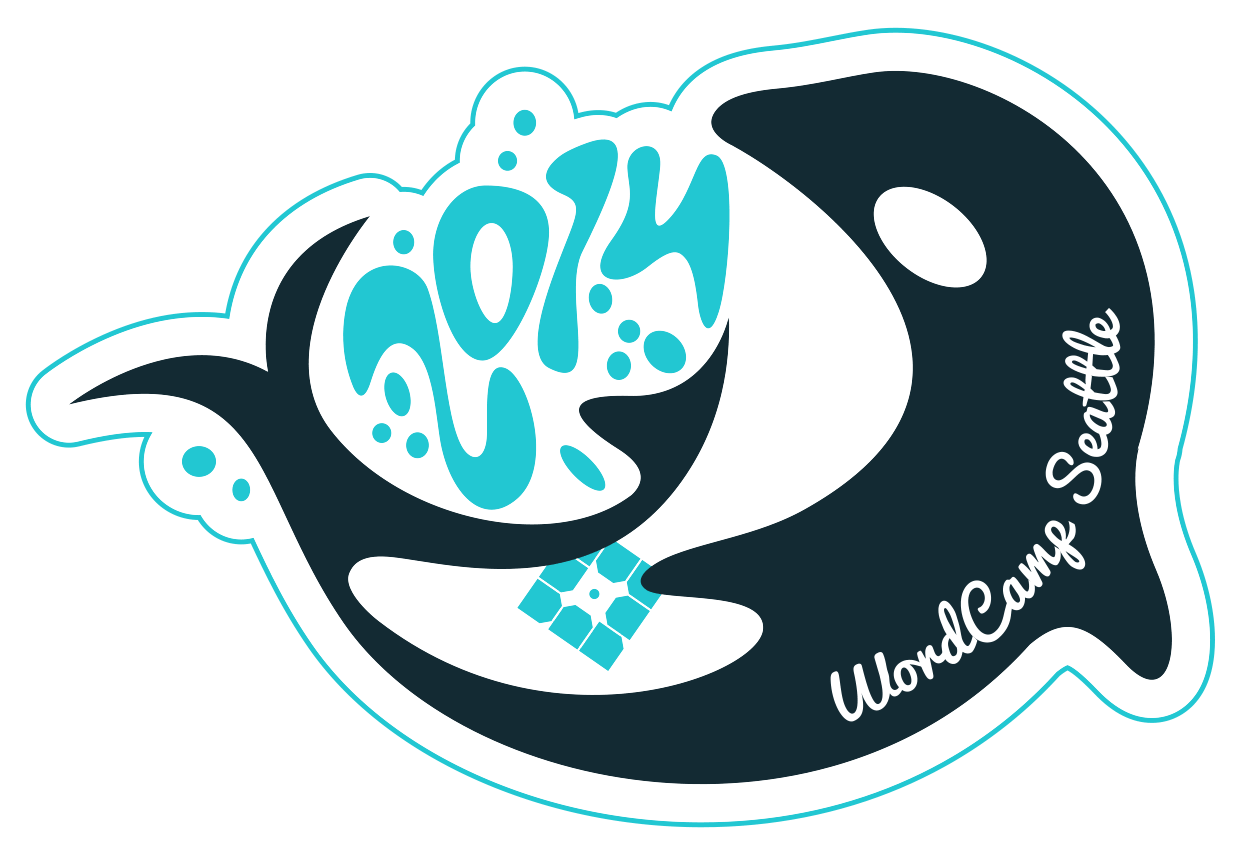
WordCamp Seattle 2014 (June 2014)

WordCamp Seattle 2014


WordCamp Chicago 2014 (June 2014)

WP Engine Bear Sticker


WordCamp Chicago 2014 (June 2014)

Wordcamp Chicago 2014


WordCamp Austin 2014 (April 2014)

WordCamp Austin 2014


That was a fun trip down WordCamp sticker memory lane. What are your favorite WP Engine WordCamp stickers? Which ones do you wish you didn't miss out on? Let us know here or on Twitter at @wpengine. And if you're at WordCamp Europe 2016 (June 24 through June 26 in Vienna), be sure to  swing by our booth to say hello…and grab a sticker, of course.


Happy WordCamping!


The post The WP Engine WordCamp Sticker Collection appeared first on WP Engine.

Saturday, July 30, 2016

How to Harness the Power of Storytelling for Compelling WordPress Websites

Once upon a time, we lived in a world where websites had screaming neon colors and an overabundance of text to entertain and educate us. The Internet (think Geocities…) was a bright and shiny new place for us to play and, as web developers, we did the best we could, considering the circumstances: HTML, low screen resolution, limited color sets, and nothing to really work from aside from real-life print examples and our imaginations.


Fast forward to 2016 and our story has come a very long way. Computers, mobile devices, smart TVs, and even some cars now keep us connected to the Internet 24/7.


And as the technological devices we use to access the Internet have developed, so too has our ability to create beautiful, effective, and unique websites. If you're too young to remember what it was like in our not-so-long-ago and what it is like in our present day tale, take a look at this:


Google then and now.


While Google's look has always leaned toward the simpler side of things, you can see what a world of difference nearly 20 years has made. Whether it's Google's website or someone else's, there is much more thought and planning put into the design of every piece of a website now… because we have the ability to do so.


For businesses, a website serves as its online identity and is often the first point of contact they have with prospective customers. To have a website come across as an afterthought or something shoddily thrown together could be just as detrimental as a marketing director answering a client's call with “What do you want?” When executed the right way though, a website can be a highly effective marketing and sales tool.


With two decades of amazing advances in web design and development behind us and amazingly helpful CMS like WordPress at our disposal, businesses no longer have any excuse to not have an awesome-looking or well-functioning website. But is it enough anymore to just have a well-made website?


No!


Your audience expects a lot more from you these days. You may be able to draw them in with a perfectly executed web design, but if the content doesn't resonate with or intrigue them, you might lose their interest all the same. That's why websites need to tell a story. What story, you ask? Well, that depends. What do you offer? How can you put your audience into the seat of the story, to make them relate to the story, to yearn to find out what happens (to them) in the end? The story is yours and you'll need to find the best (and most creative) way to tell it through design.


PERFORMANCE


Super speed and performance with WP Hummingbird


Lightweight and fast, Hummingbird caches, minifies, combines, defers and compresses, making optimizations in line with Google PageSpeed, and turning your website into a lean, mean, speed machine.


FIND OUT MORE


How Does Storytelling Work for Websites?


There are many reasons why an author may write a story, but there is always one goal they hope to achieve: to get the reader hooked. It could be a bloody tale of revenge or a story about a little girl and her puppy walking home from the beach. It doesn't matter what the underlying plot is, the author simply wants the reader to feel something about the story.


Businesses are no different when you think about it. Their goal is to sell a product or service that can help improve their customer's lives in some way. You know this. That's why you believe in your brand. But it can often seem difficult to get that point across to an online audience when all you have is a bunch of words and images on a website to work with. Those words and imagery can be extremely powerful in telling your story though, especially when carefully constructed.


Find Your Story


Many businesses may see this and think, “I'm not a writer and we definitely don't have a story to tell. We sell dog ice cream.” But that's not true. Even the simplest of business models-from the independent freelancer to the large enterprise-have a story to tell. It just might not be their own.


Let's say you are in the business of selling ice cream for dogs, you can think about your website's story in a number of ways:


  • Story #1: You share an illustration of Mr. Bear, a German Shepherd puppy. Mr. Bear is playing in the park with his friends when the ice cream truck comes by. His parents tell him he can't have any because that type of ice cream isn't good for him. Then you see Mr. Bear look sad as he watches his friends get their ice cream cones. But wait… you have a solution! [Insert image of a happy Mr. Bear eating your ice cream here.]

  • Story #2: Infographics are a great way to tell a story without having to create an official narrative. You can use oversized statistics and strong, but simple imagery to move your site's visitors through a their journey. Basically, this is what your dog's life would be like without dog ice cream (e.g. 25% less responsive to commands) and then this is what your dog's life is like with dog ice cream (e.g. 10% increase in energy and less visits to the vet required).

  • Story #3: You could also tell this story as your own. Maybe Mr. Bear really is your dog and maybe you felt really bad that he couldn't eat ice cream like his other puppy friends because he was lactose intolerant. That's why you were inspired to create your own brand of dairy-free dog ice creams.


No matter which angle you take, it's all about making a connection with your audience. That's why businesses have websites: they want to virtually connect and communicate with their audience in the hopes of selling their brand. With the right story in place and with the proper design executed to tell it, you can bring your visitors out of the passive reader role into something more interactive.


Focus on the Benefits


Let's take a moment to review the benefits of a storytelling approach for your website's design:


  • Create a Clear Vision: In order to tell your business's story, you have to truly understand who your brand is, what it aims to accomplish, and what your audience will really get out of it. If you don't understand your brand's value, developing a story for your website is definitely going to help you refine that vision.

  • Develop an Identity: Once you begin storytelling, you're never going to want to stop. Having an interesting and consistent brand identity isn't something that will stop with a single animated video or homepage storyline. This is something you'll want permeated through every part of your business's identity, virtually and in the real world.

  • Foster Real Engagement: Calls-to-action are used in web design in order to call your visitors' attention to what you want them to do. Contact us. Download this. Fill out this survey. But storytelling allows you to insert them into your story and, in a way, more genuinely engage with them.

  • Set Yourself Apart: Everyone has a unique story to tell, but not everyone knows how to translate it to their website (or their brand's identity, in general). By using storytelling principles to build your website, you are setting your website and business apart from the competition.

  • Enhance the Overall Design: When applying storytelling principles to a website's design, you're required to plan everything out in advance. Without that clear vision, it'll be difficult to effectively share your story online. So by taking the time to plan and prepare, your website will ultimately be more thoughtful and intentional in its delivery.


Of course, all the benefits above can only be achieved if you're willing to put in the time, effort, and creativity in order to create an interesting story that your audience can relate to.


  • If your website and/or brand doesn't have a clear vision…

  • If you're confusing “storytelling” with “pull out all the stops”…

  • If your business is too young and doesn't quite yet know its audience…


Then the storytelling approach might not be right for you. And that's fine. Just hold onto this article for future reference and jump back into it when you're ready to go.


How to Use Storytelling Principles to Build a Better Brand Story… and Website


Any great writer, teacher, or even movie critic will tell you that there are five critical stages in a story's plot. Regardless of whether you'll be telling a traditional “story” (like in Story #1 above) or conveying your brand's story through another approach, the goal should be to hit each five of these goals-and in this order-as your visitors traverse through your website.


We're going to explain what the stages are, provide you with some tips for how to create your story in that stage, and also give you some real-life examples that execute this stage well.


Ready?


Talent Garden is a coworking network for digital and creative professionals.


In the Beginning…


“In the beginning,” “Once upon a time,” “In a galaxy far, far away”… These are all ways you've seen stories start out before. This is what is known as the Exposition or the setup of a story. You meet the characters, discover the setting, and realize that there's something more going on than meets the eye.


For websites, this is where you will establish the conflict. While the word “conflict” may have a negative connotation to it, that's not always the case in storytelling. Basically, it all depends on what you're trying to solve for your visitors. Whatever it is, your website's story needs to start there.


An Example:


Talent Garden's website is shown above. You can see that what they're offering is a coworking space. For their website's story, they've chosen to rely heavily on background imagery that speaks well to their audience: the freelancing community and other work-from-home individuals who want a place to work alongside others. They then use messaging that is very simple and clearly explains the “conflict.”


Execution Tips:


  • Your story should start right away, not tucked away on some internal page.

  • Use very strong and clear copy to set up your story. There should be no confusion about what you do or why visitors should be interested in learning more.

  • Use big lettering to put the emphasis on what's most important.

  • Let the background design, color, or image set the tone of your story.

  • Utilize negative space in order to bring focus to the story you're telling.

  • Select color choices that will invoke the right emotions from your audience.

  • Consider creating a brand “mascot” to guide your visitors through the story.


…There Was a Problem…


The next part of your brand's story should deal with the actions arising from the conflict. Since the very beginning of your website (the top of the home page or the first part of a parallax scrolling site) dealt with the setup, it's now time to build the tension around the conflict. This is what's known as Rising Action.


When it comes to using design to tell this part of the story, it's all about action cues. Whether you have an actual story to tell or you're simply presenting your site's visitors with a logical set of information starting with “This is the problem you face” to “This is how we can fix it,” you're going to need to guide them through the storyline visually.


An Example:


The National Geographic Channel's Killing Kennedy website. The site's design uses colorful sliding icons and text boxes to share the growing plot points and build up tension. You already know how the story between Kennedy and Oswald ends, but this site has done an amazing job in using design to guide the reader downward through the story and into the thick of the action.


The Killing Kennedy site uses interactive elements to engage readers.


Execution Tips:


  • Jump right into the action as soon as you've established the setting. Action, for most websites, is going to come in the form of movement and colors rather than actual action-packed dialogue.

  • Use simple navigation so your story is easy to follow and logical.

    Each scroll, section, or page should serve as a new “plot point.” Don't try and stuff too much into a single space.

  • Keep tight control over the pace of your story with less text and more emphasis on visual cues.

  • Use bright CTAs or animation to move the readers through the story.


…And Out of the Blue Something Happened…


MakeYourMoneyMatter - Climax

The very middle of your story should be the climax or high point. So in the case of Mr. Bear's story from earlier, you could reveal that dogs who receive ice cream during training remember commands 33% better than dogs who only receive biscuits. That stat should provide some sort of turning point in your story where visitors should feel surprised or shocked by the discovery.


Physical or emotional, you want the climax to elicit some sort of response from your audience, and you'll want the design of your website to reflect that too.


An Example:


From start to finish, the Make Your Money Matter website does an amazing job of telling the story of their audience's pain. It's in the climax though that they really outdo themselves.


The tension builds so wonderfully from the moment you start scrolling, that by the time you get to the climax, you might feel too nervous to fill out the calculator. But it's a simple request-simply fill out two fields. And then all they ask of you is to click a button (with an ominous looking color). The resulting screen tells you how much money the bank made off of you. Whatever your resulting emotion, you won't be able to help but feel compelled to continue through the journey to see what happens next.


Execution Tips:


  • This is your big reveal. It doesn't need to be earth-shattering, but it needs to be something that makes your visitors stop and wonder what this means for them.

  • Use a surprise action to engage visitors at this crucial moment. Play a video, use sound effects, include a shocking color, or interact with them through a form of gamification (like the calculator Make Your Money Matter uses).


…But Then They Started to See That Things Were Changing…


Think about your website (or your story) like a mountain. The exposition would be the base of the mountain. The rising action would be your climb to the top of the mountain. The climax would be the peak. And then you've got to make your way back down to complete your mission. That is the falling action.


In the case of your website's story, this can be any sort of action or steps that will logically direct visitors from your big reveal down to the final goal. Some websites lose it at this point and just start throwing random testimonials or social media feeds into what was previously a logical flow of information. Don't interrupt your visitors' train of thought. Make sure to keep them on track with the falling action.


An Example:

La Moulade's website is the epitome of minimalistic design. And to top it off, it has one of the best examples of falling action I've seen.


After quickly stating who they are and then bringing visitors to their climax (a bicycle bell rings to let you know you're there), they guide you through snapshots from their creative portfolio. That's it. Their falling action is just a portfolio. No words. All images. And it works! Whether you're compelled to click on any of them to see more or just scroll to the end to find out what's at the bottom, they've found a simple and creative way to hook you.


Creative studio La Moulade's website is minimalist with lots of fun interactive touches.


Execution Tips:


  • Whatever you use in the rising action to guide visitors through your website, the falling action should mirror those same movements, designs, or CTAs.

  • There should be a simple flow from the climax to the conclusion of your website.

  • Keep the falling action to a minimum. Once you've hit the climax, your visitors are going to hope for a speedy payoff.

  • Use strong imagery or typography to keep the interest there, but don't overdo it.


…And That They Had a Solution to Their Problem All Along


The final stage is the end of your visitors' journey and the resolution of your story. Once your visitors have reached this point, there shouldn't be any remaining questions. They understood the story, they realize why it relates to them, and they feel compelled to now take the action you're requesting. The design piece of this will translate simply enough: give them a clear call-to-action that wraps up the journey and gives visitors an action they'll want to pursue now.


An Example:


Zensorium has a very simple product to offer, but that doesn't prevent them from sharing their story through well-crafted imagery, simplified text, bright swatches of color, and a logical progression of information. You can see this very clearly in the structure of their home page.


There is a rotating banner that takes up two-thirds of the left side of the page. It goes through bright and yet calming imagery that takes you through the basics of who they are. On the right-hand side, however, the images stay put (unless you scroll downwards). That is their resolution. Their goal is for you to purchase their products. So by engaging visitors with a simple timeline on the left, the static imagery on the right becomes the most logical final step.


Zensorium uses storytelling to sell its health and fitness trackers.


Execution Tips:


  • The resolution needs to be simple. Either a call-to-action box or landing page that lets visitors know: “This is where this journey ends. It's your turn to take the next step.”

  • Make sure the action requested is simple. Fill out this form, purchase this, call us now, etc.


Wrapping Up


Developing a story for your website and brand doesn't necessarily mean you need to create some off-the-wall character whose adventures your visitors will follow through the site–though that might be pretty cool, too. Storytelling is about creating a unique journey for your website visitors-a journey that reflects the experience they'll have when they engage with you as a brand.


So take some time to really think about who you are and what story will be the most effective at getting visitors (and prospective customers) to relate to you. Then you can put all of these storytelling design principles into play.


How to Create a Custom Facebook Feed in WordPress

Recently, one of our users asked if we could cover how to create a custom Facebook feed in WordPress? You can display Facebook posts from your page or group on your WordPress site to improve engagement. In this article, we will show you how to create a custom Facebook feed in WordPress.


Adding a Facebook feed in WordPress


When and Why You Should Create a Custom Facebook Feed in WordPress


Facebook is the largest social media platform in the world. As a website owner, you may already be engaging with your audiences on Facebook through your Facebook page or by creating a Facebook group.


However, all the posts you make on Facebook are not visible to the people visiting your website. By adding a custom Facebook feed you can show what's happening on your Facebook page or group to your site visitors.


This will allow more of your users to see your posts and will help you get more Facebook likes. If you are using Facebook remarketing/retargeting pixel on your website, then you can show your ads to those users on Facebook as well.


Having said that, let's see how to add a custom Facebook feed to your WordPress site.


Adding a Custom Facebook Feed in WordPress


First thing you need to do is install and acivate the Custom Facebook Feed plugin. For more details, see our step by step guide on how to install a WordPress plugin.


Note: This free version of the plugin does not display images in shared links or status updates. For that you will need plugin's PRO version.


Upon activation, you need to visit Facebook Feed » Settings page to configure the plugin settings.


Custom Facebook feed settings


First you need to provide your Facebook page or group ID. If your Facebook page URL is like this:


https://www.facebook.com/your_page_name


Then you can use your_page_name as your Facebook page ID. On the other hand, if you have a Facebook page URL that looks like this:


https://www.facebook.com/pages/your_page_name/123654123654123


Then you need to use 123654123654123 as your page ID.


If you want to add a group, then you will need to enter your group ID. Simply visit Find My Facebook ID website, and enter the URL of your group in the search box. The website will reveal your Facebook group's numeric ID.


The next thing you need to enter is an access token. The plugin will work even if you don't add your own access token, however it is recommended to generate it and add it here.


Simply visit Facebook developers website and click on the create new app button.


New Facebook app


This will bring up a popup where you need to enter a name for your app. Provide an email address and then select a category for your app. Click on the 'Create App ID' button to continue.


Creating a new Facebook app ID


Facebook will create an app for you and will redirect you to the app's dashboard. You need to click on Tools & Support link at the top.


Click on tools and support link at the top of your app's dashboard page


This will bring you to a page with lots of resources on how to use Facebook apps. You just need to click on 'Access token tool'.


Access token tool


Clicking on the link will take you to a page where you will be able to see your app's access token or app token.


Access token for your app


You can now copy and paste this access token to the custom Facebook feed plugin's settings page.


Under the settings section on the page, you need to select whether you are showing a group or a page. You can also choose the number of posts to display, timezone, and language settings.


Don't forget to click on the save changes button to store your plugin settings.


You can now create a new post or page or edit an existing one where you want to display your Facebook feed. In the post editor, you need to add this shortcode:


[custom-facebook-feed]


You can now save your page or post and preview it. It will fetch and display latest posts from your Facebook page or group in your WordPress page.


Preview of a custom Facebook feed in WordPress


Showing Multiple Facebook Feeds in WordPress


Let's suppose you want to display more than one custom Facebook feed on your WordPress site. The plugin's settings only allow you to add one page or group ID.


However, you can easily use the shortcode to display any other custom Facebook feed you want.


Simply add the shortcode like this:


[custom-facebook-feed id=wpbeginner]


The plugin's shortcode comes with a whole range of parameters. You can visit the plugin's website to see the complete list of parameters that you can use.


How to Customize The Appearance of Custom Facebook Feed


The plugin allows you customize the appearance of the custom Facebook feed on your website. Visit Facebook Feed » Customize page to edit the customization settings.


Customize appearance of Facebook feed


The customize section is divided into different tabs. Each tab has its own options, you may want to review them to customize the appearance of your custom Facebook feed.


We hope this article helped you add custom Facebook feed in WordPress. You may also want to see our list of 21 best social media monitoring tools for WordPress users.


If you liked this article, then please subscribe to our YouTube Channel for WordPress video tutorials. You can also find us on Twitter and Facebook.


The post How to Create a Custom Facebook Feed in WordPress appeared first on WPBeginner.


3 Ways That Can Help You Increase Your Income

According to a study conducted last year, more than half the freelancers interviewed expected to continue to increase their income, while over a third of them indicated an increased demand for their work.

What's their secret, and what does it mean for you? There's actually no secret at all. It's a simple fact that 2016 is a great time to be a freelancer, especially a web design freelancer. The demand for the type of work you do is there, and it is increasing. The market is changing, not only domestically, but globally, and you can be a part of it.